1. Activate your licence
What is a licence key?
A licence key is a unique code in the format OHAPEX-XXXX-XXXX-XXXX-XXXX provided by OH Performance upon purchase. It is personal and can only be used on a maximum of 2 devices. Without this key, the application is locked — only the demo version remains available (see below).
Info
Requirements: Activation requires an Internet connection (online verification). Once activated on your device, the application can work offline during races.
Activation steps
- Launch the OHP Apex application from the Desktop or Start menu. A lock screen appears automatically.
- Click the "Open Settings" button in the lock screen.
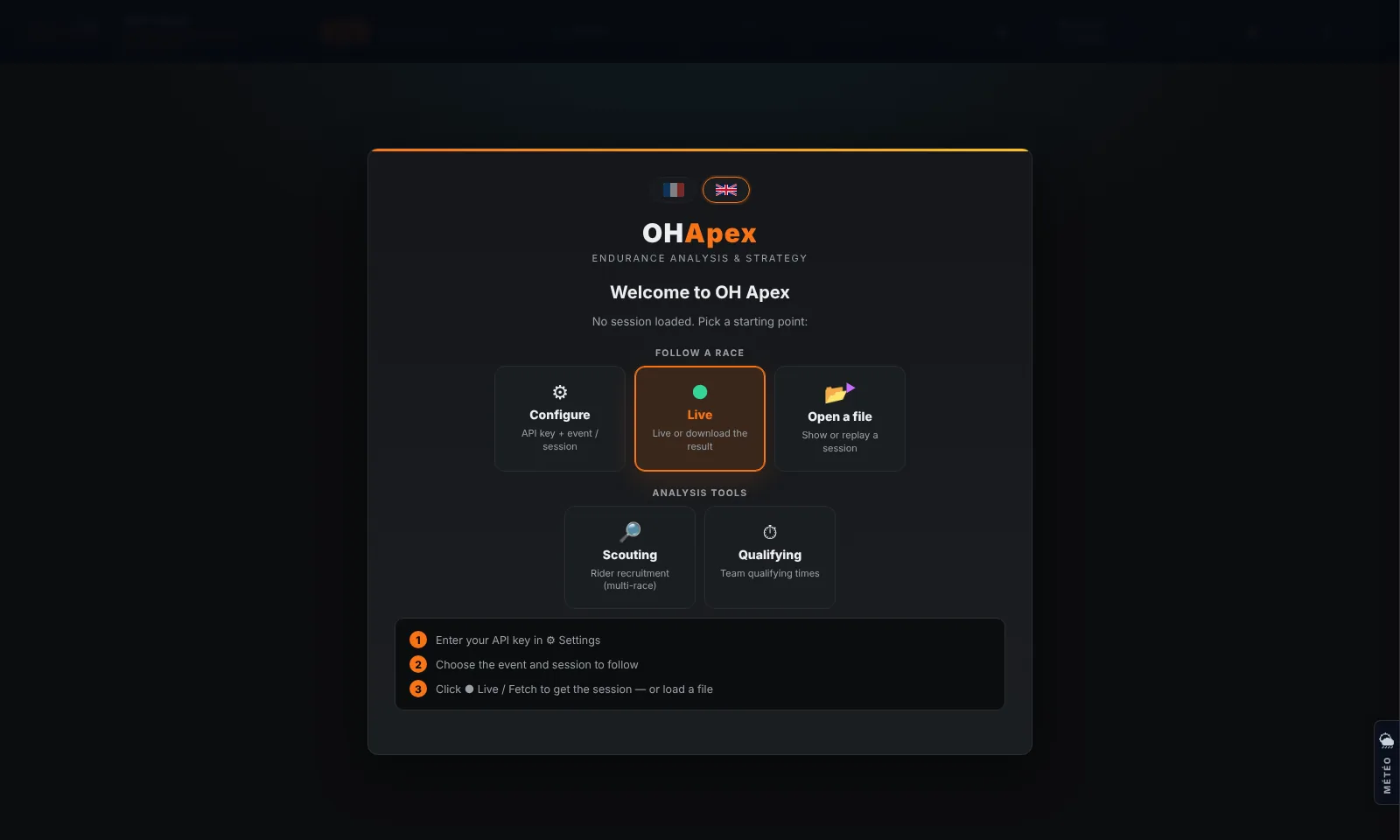
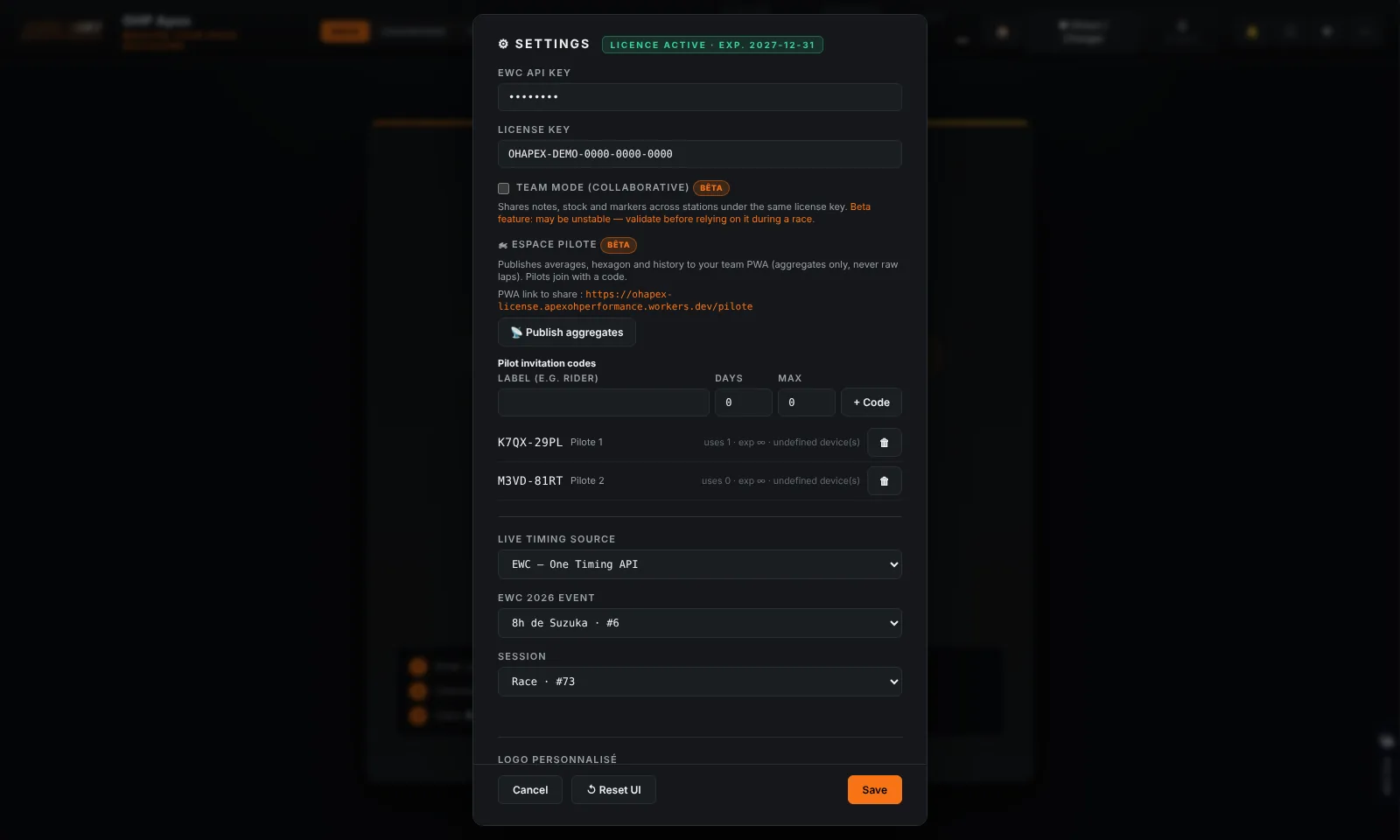
- In the Settings panel, locate the "Licence" section (at the bottom of the panel).
This panel can also be opened at any time via the
⚙
button at the top right of the dashboard.
2. Paste your key into the field provided. Example: OHAPEX-A111-C000-E111-G253
3. Click "Validate". The application verifies the key online and unlocks access within a few seconds.
Possible error messages
| Message | Meaning | Solution |
|---|---|---|
| Invalid key | The key does not exist in the system | Check the copy — no confusion between 0/O, 1/I |
| Licence expired | The validity date has passed | Contact OH Performance to renew |
| Device limit reached | 2 devices already registered | Contact OH Performance to free a slot |
| Licence revoked | The key has been deactivated | Contact OH Performance |
| No connection | Unable to reach the server | Check your Internet connection |
Tip
Tip: Copy the key from the confirmation email and paste it directly (Ctrl+V) to avoid any typing error.
Demo version — no licence
Without a valid key, the lock screen offers the "▶ Try the demo (Suzuka 8 Hours replay)" button. The demo replays the full 2026 Suzuka 8 Hours at ×10 speed: every analysis view, widget and floating window is active so you can explore the tool on real data.
Info
Visual cues: an orange "DEMO VERSION" banner stays at the top of the screen, plus a "DÉMO" watermark in the bottom-right corner.
| Available in demo | Licence only |
|---|---|
| Suzuka 8 Hours 2026 replay | Live mode (real-time data) |
| All analysis views & widgets | Load a file / free Replay |
| TV mode, profiles, logbook | JSON export & PDF report |
Tip
The banner includes a "Get a license" button that opens Settings directly so you can enter your key.