13. Glance & Projection
Glance — Quick competitor view
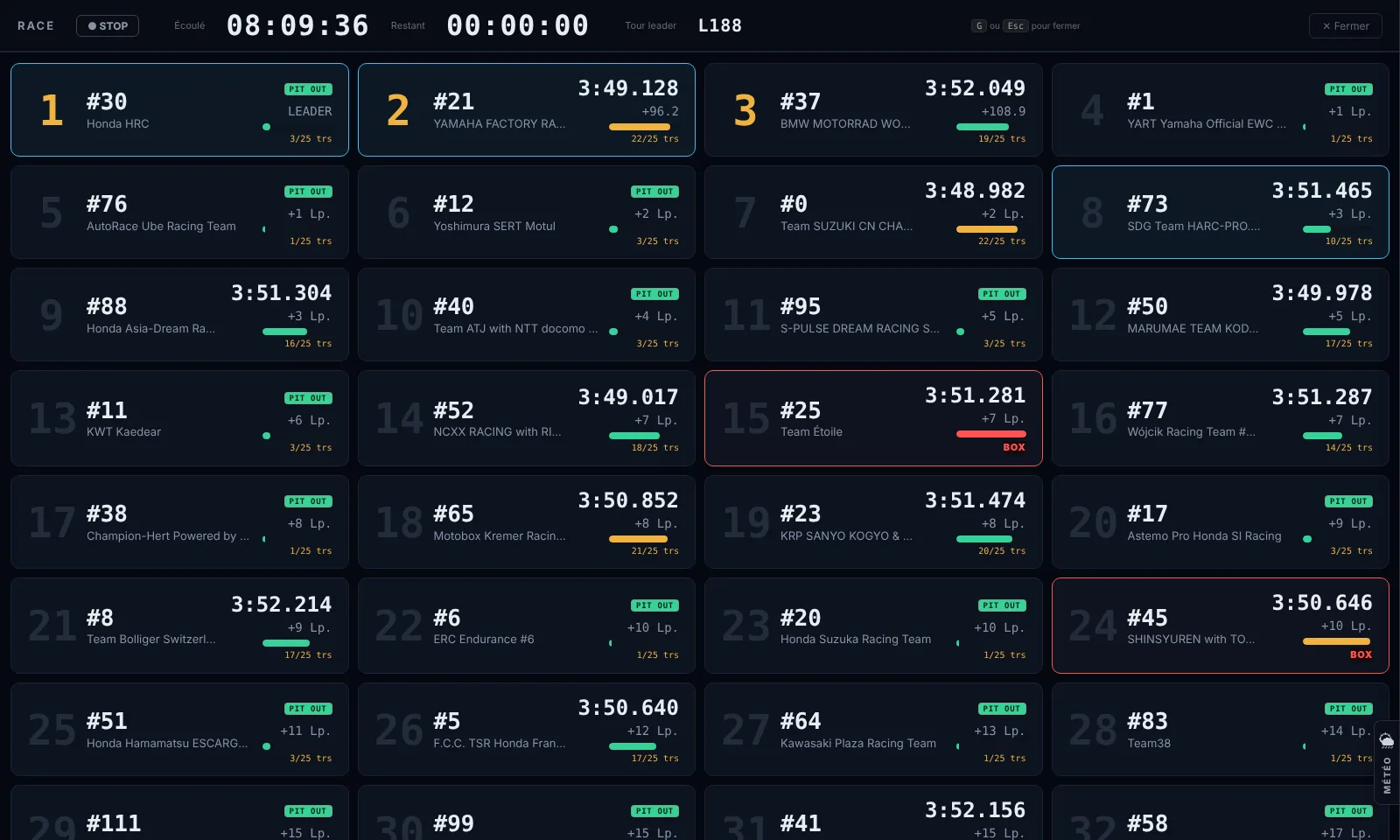
The Glance feature displays a compact visual summary of several bikes simultaneously. It is designed for quick standings monitoring without having to change view.
📺 TV mode (⋯ menu): the same view in read-only large format for the box screen — giant clock and flag, enlarged non-clickable cards, auto-scroll every 8 seconds when all bikes don't fit. Exit with Esc or a click. In the app, "🖥 TV mode on another screen" opens it in a separate window to drag onto a second monitor.
- Click "Glance" in the control bar.
- A panel opens on the side with cards for the tracked bikes.
- Each card shows: position, number, last lap, gap, status (running/pit).
Projection — End-of-race estimate
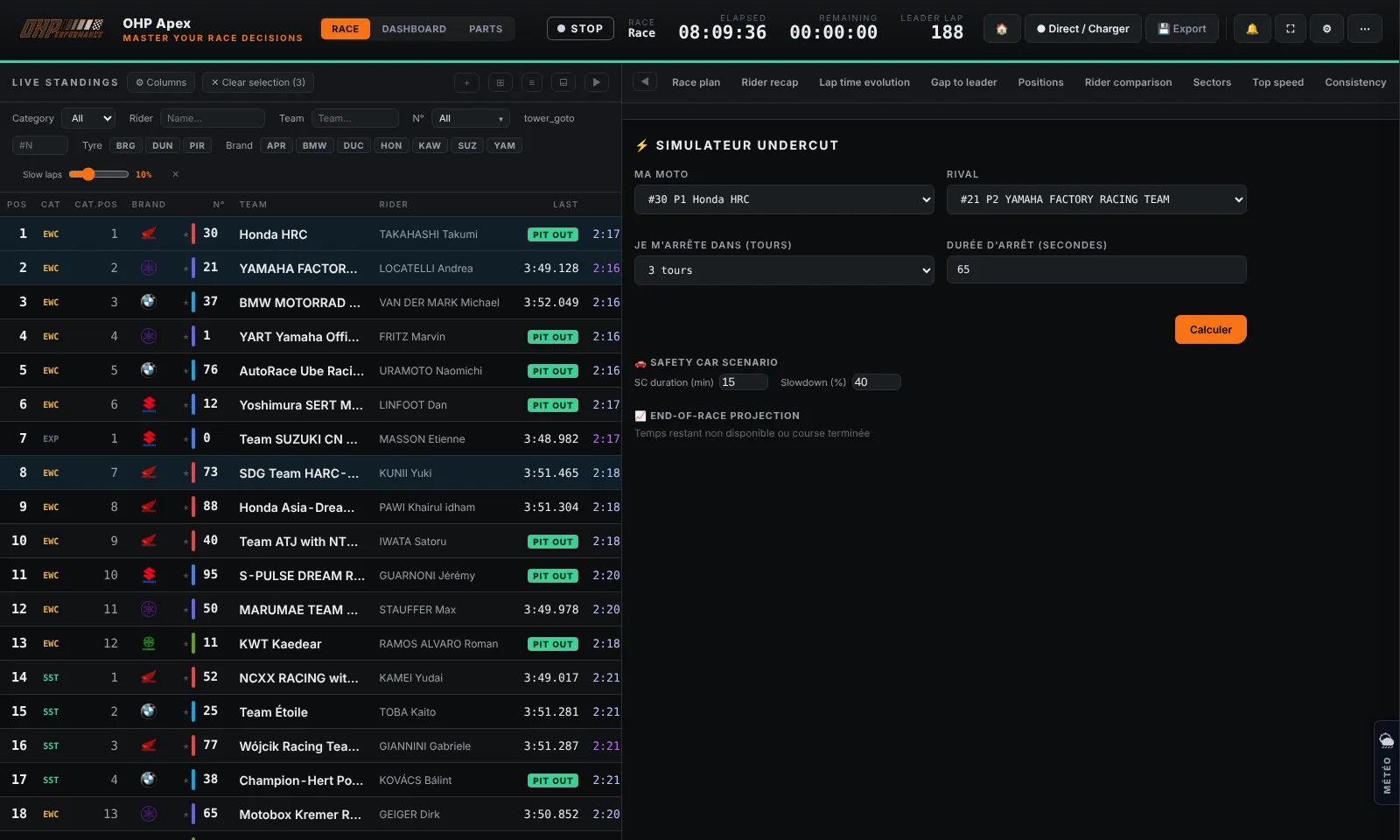
The Projection estimates the final standings by extrapolating each bike's current pace to the end of the race. It takes into account remaining laps and recent average pace.
- Click "Projection" in the control bar.
- The panel shows the projected standings with estimated laps at the finish.
- Bikes gaining positions are shown in green, those losing positions in red.
Warning
Note: The projection is an estimate based on current pace. It does not account for future pit stops, mechanical failures or safety cars.